
SharePoint · Power Automate · Microsoft Forms
Workflow Automation and Process Overhaul, Auto Refinance Company
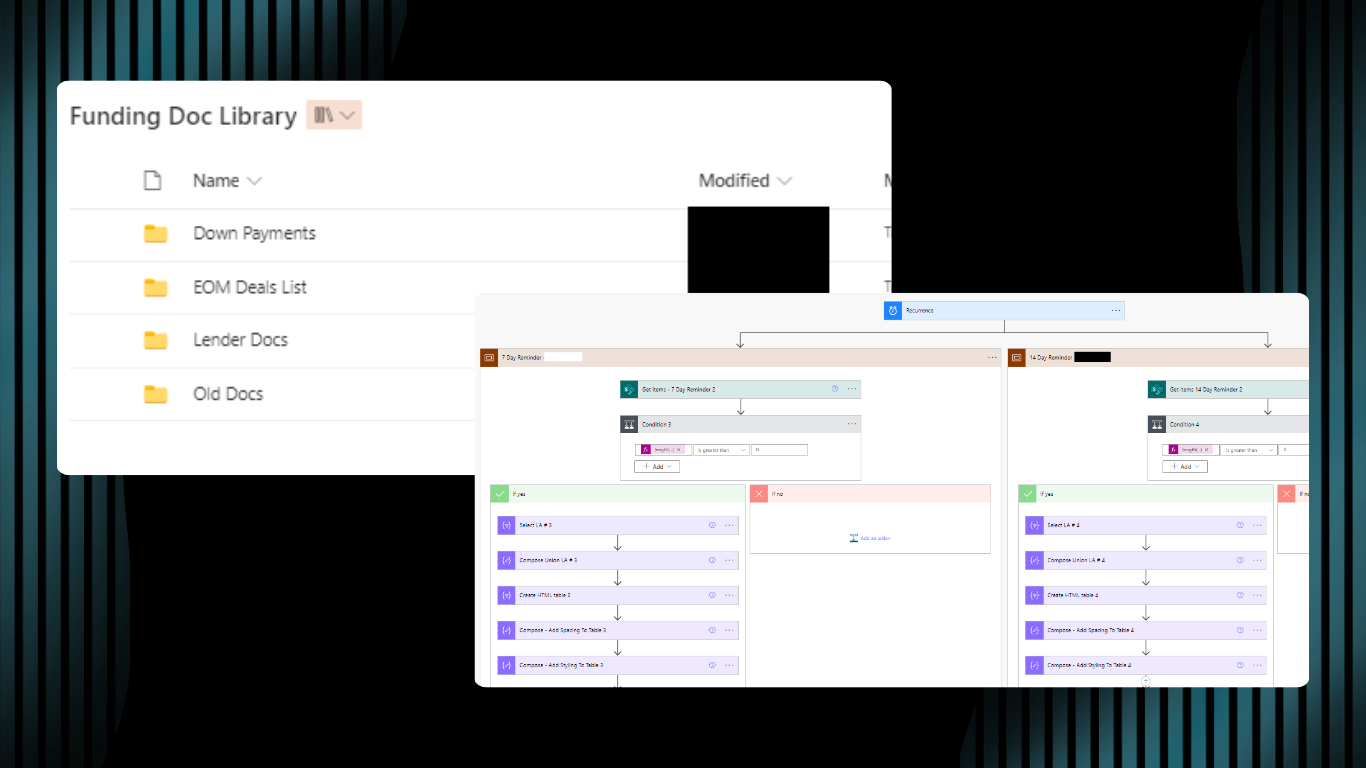
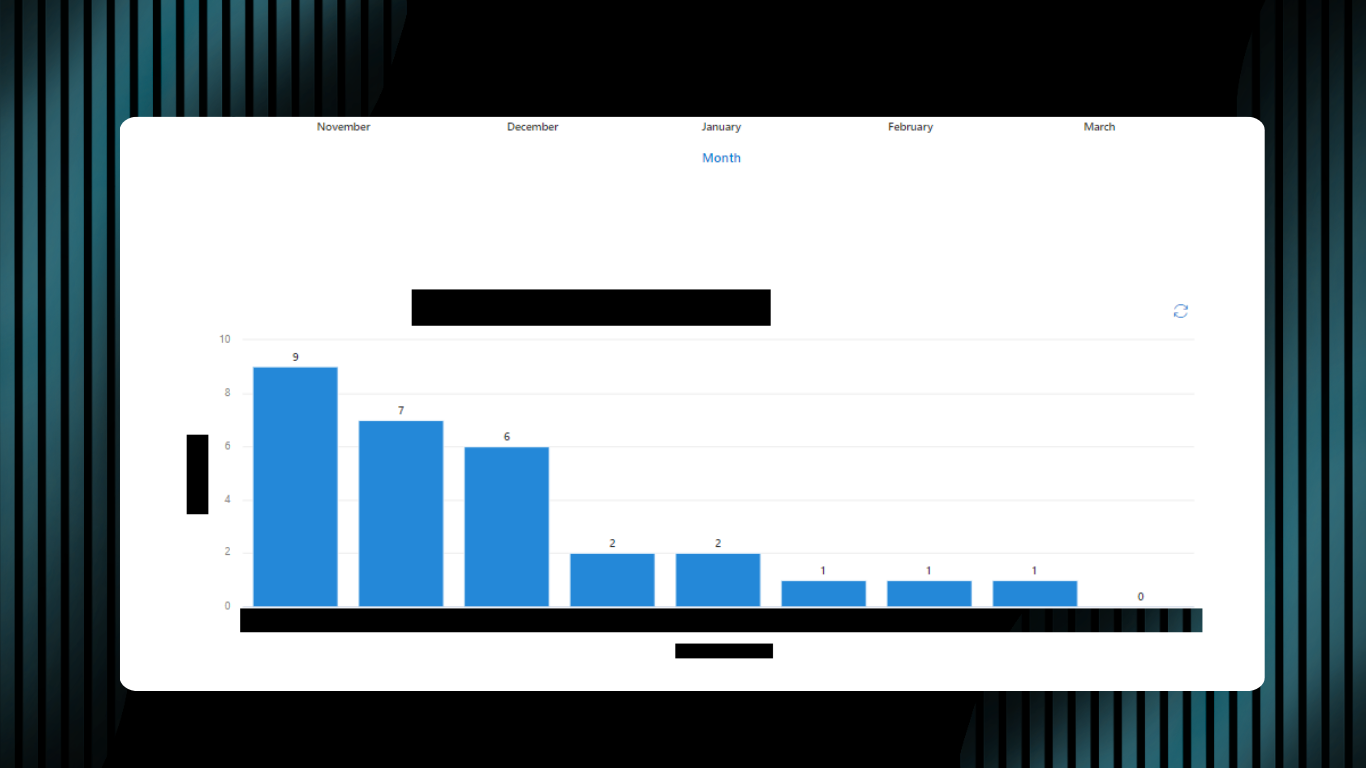
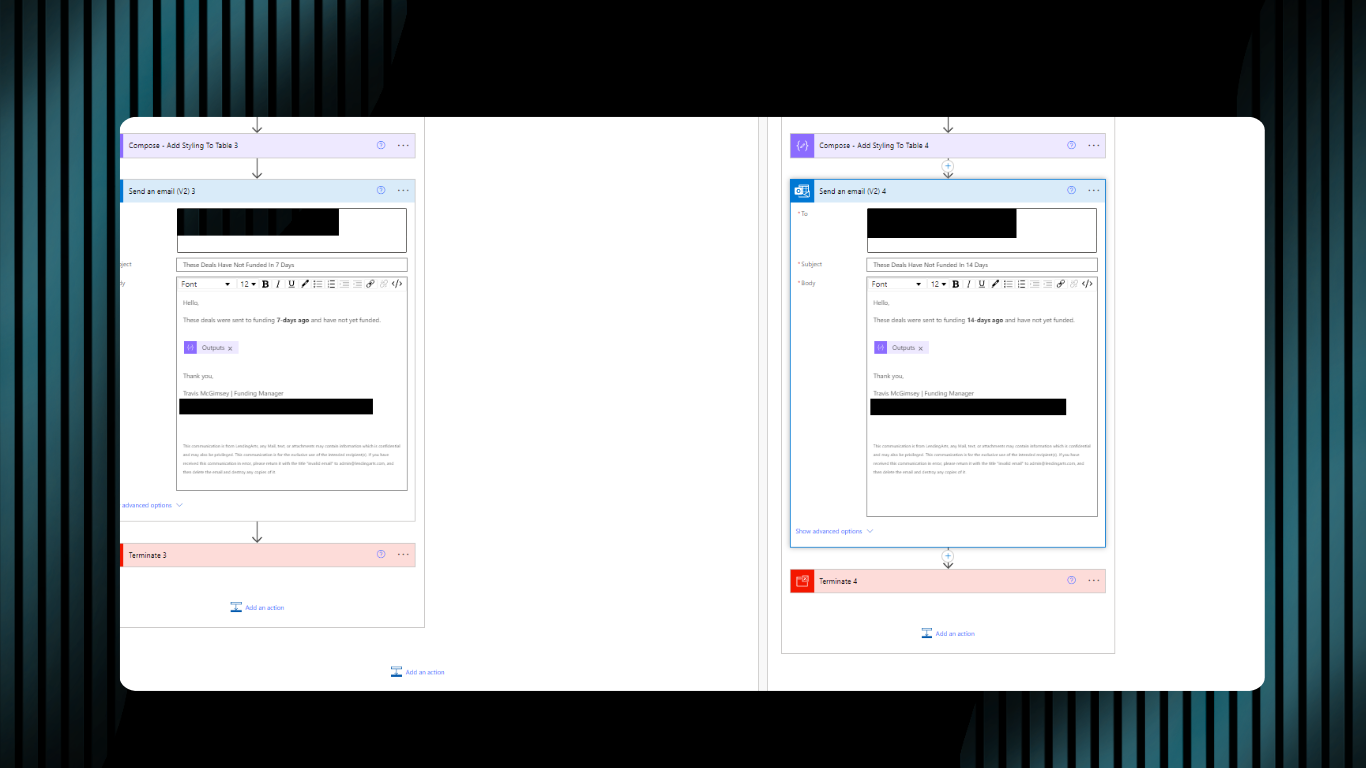
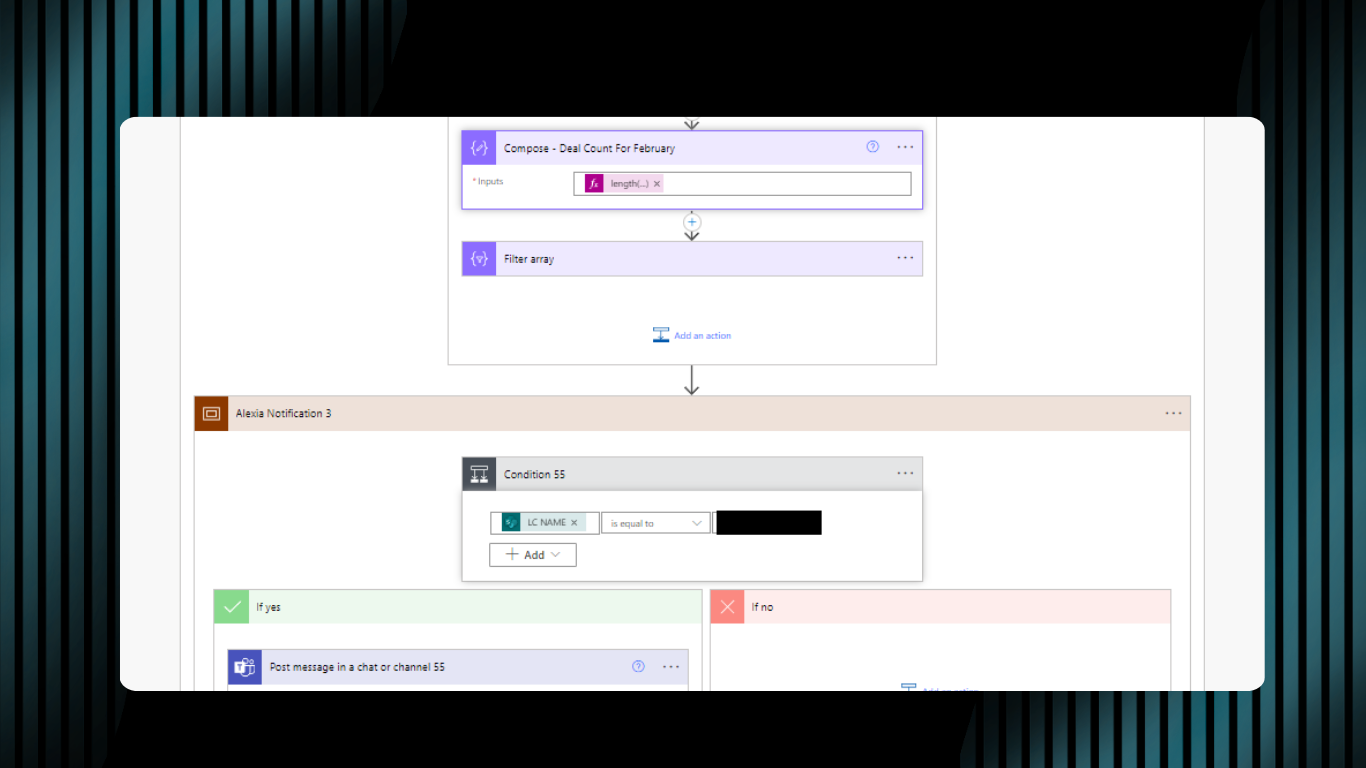
Three interconnected SharePoint sites and 35+ Power Automate flows replaced a paper-based operation that was slowing down every department. A Microsoft Forms gatekeeper caught errors at the source before they reached the funding team. Automated routing and status notifications replaced manual follow-up. Management got real-time dashboards without having to ask anyone for data.
The Problem
A company running on paper and tribal knowledge
The company was running on paper checklists, printed training materials, and knowledge that lived in people’s heads instead of a system anyone could reliably access. There was no central place for management to track sales and funding performance. The funding team had no organized workspace for active deals. The sales team had no consistent reference for the processes and lending partner requirements that changed regularly. Documentation errors were slowing down every department, and there was no mechanism to catch those errors before they reached the funding review stage.
What I Built
Three interconnected sites. 50+ Pages. 35+ automated flows.
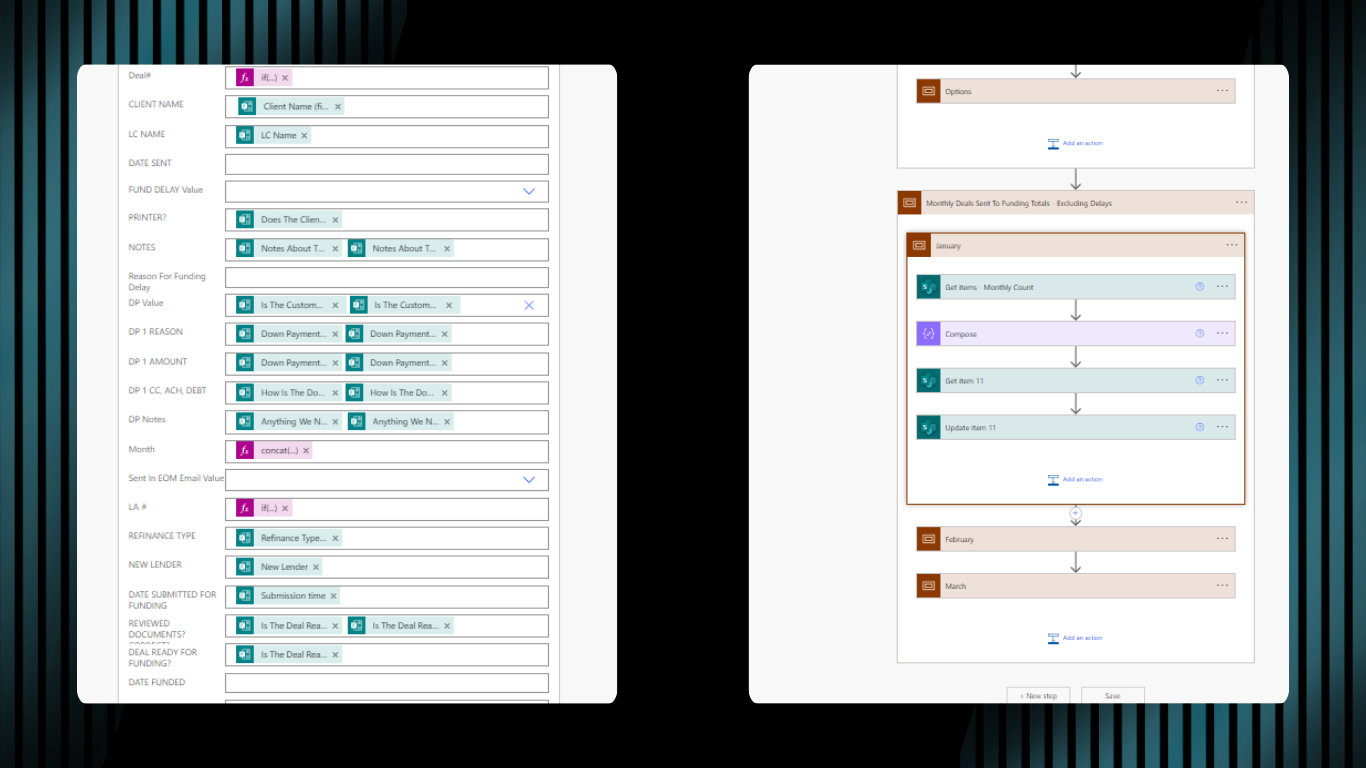
Three separate SharePoint sites with over 50 pages built in total, each designed for a different audience and connected by 35+ Power Automate flows. A Microsoft Forms gatekeeper replaced the paper submission checklist, validating all required data before triggering any downstream workflow.
The Management Site
The Funding Site
The Knowledge Base
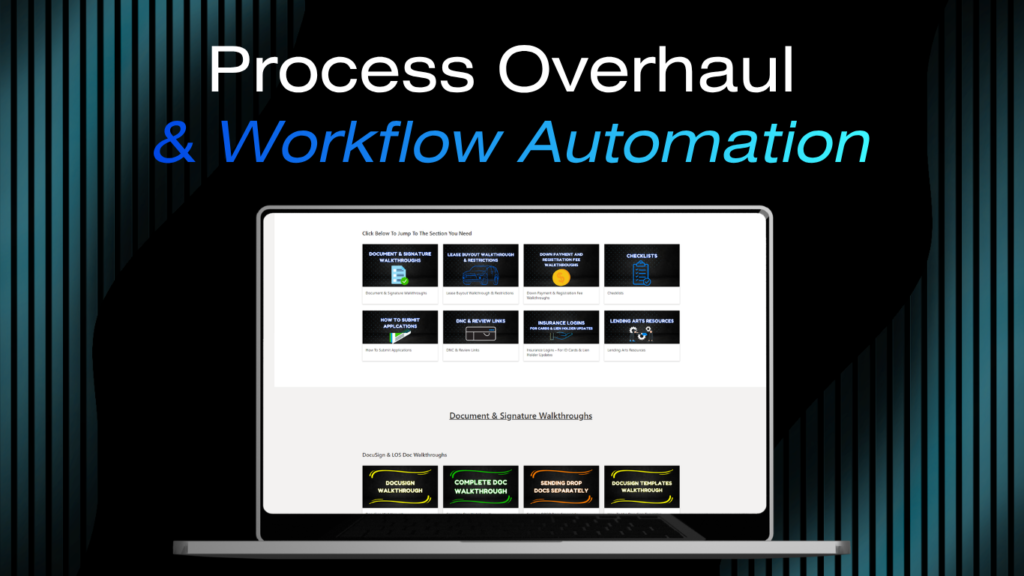
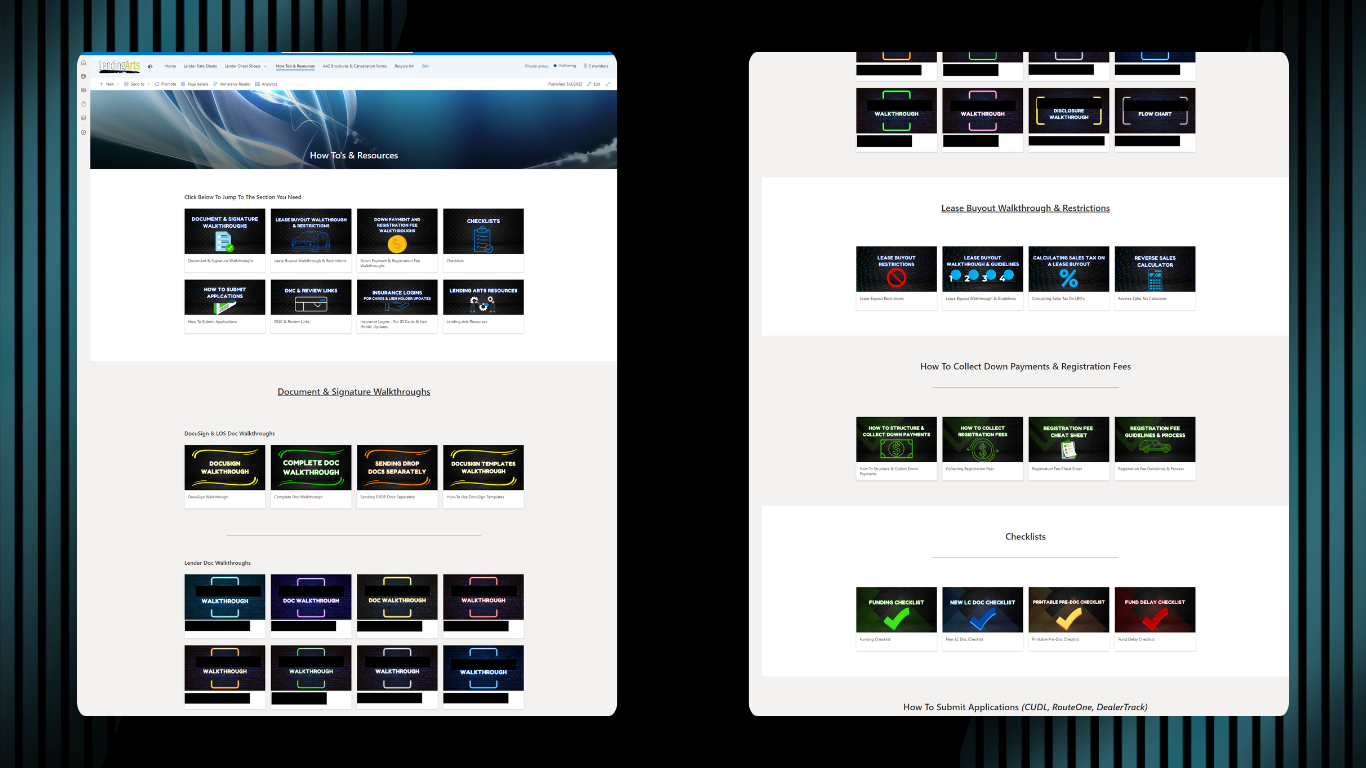
Served the full company with a focus on the sales team. Housed all SOPs, training guides, process walkthroughs, and reference documents that anyone in the company needed to do their job. This replaced the existing system of printed materials that became outdated the moment they came off the printer.
Microsoft Forms Gatekeeper

The Result
~12% reduction in team-wide error rates.
Team-wide error rates dropped by approximately 12%. That number reflects the combination of the new systems and consistent hands-on training delivered alongside the rollout. A company that had been relying on printed materials and tribal knowledge ended up with a documented, organized, and automated foundation it could maintain and build on after the work was done.
Tools Used
Microsoft SharePoint
Microsoft Teams
Microsoft Forms
Power Automate
What’s Next