
Power Automate · SharePoint · Excel · Outlook
Automated Monthly Performance Reports and Lender Analytics
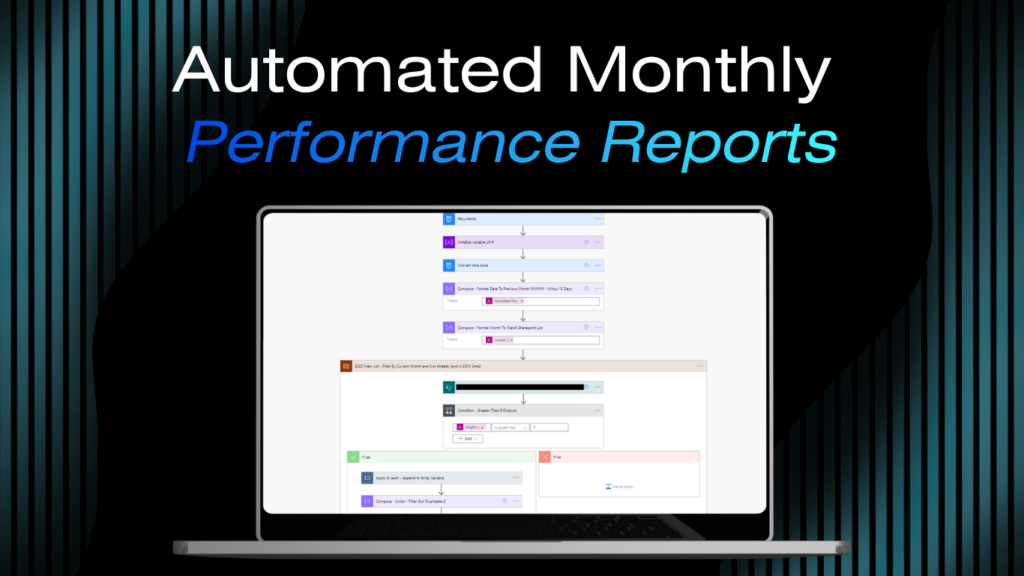
A scheduled Power Automate flow that automatically extracts the prior month’s data, calculates deal performance by lending partner, builds a month-stamped Excel file, and delivers the full report to management on the second of every month. Nobody pulls the data. Nobody builds the file. Nobody sends the email.
The Problem
A multi-hour recurring task, deadline-driven, every single month
Management needed a detailed performance report at the start of every month, broken down by lending partner. Generating it required someone to manually filter a database for the prior month’s records, calculate deal totals for each lender, format an Excel spreadsheet with the results, build a summary email, and send everything to the right people. It was a multi-hour recurring task, it happened on a deadline every single month, and it was prone to calculation errors when the data was pulled and sorted by hand.
What I Built
A scheduled flow. Runs automatically on the second of every month.
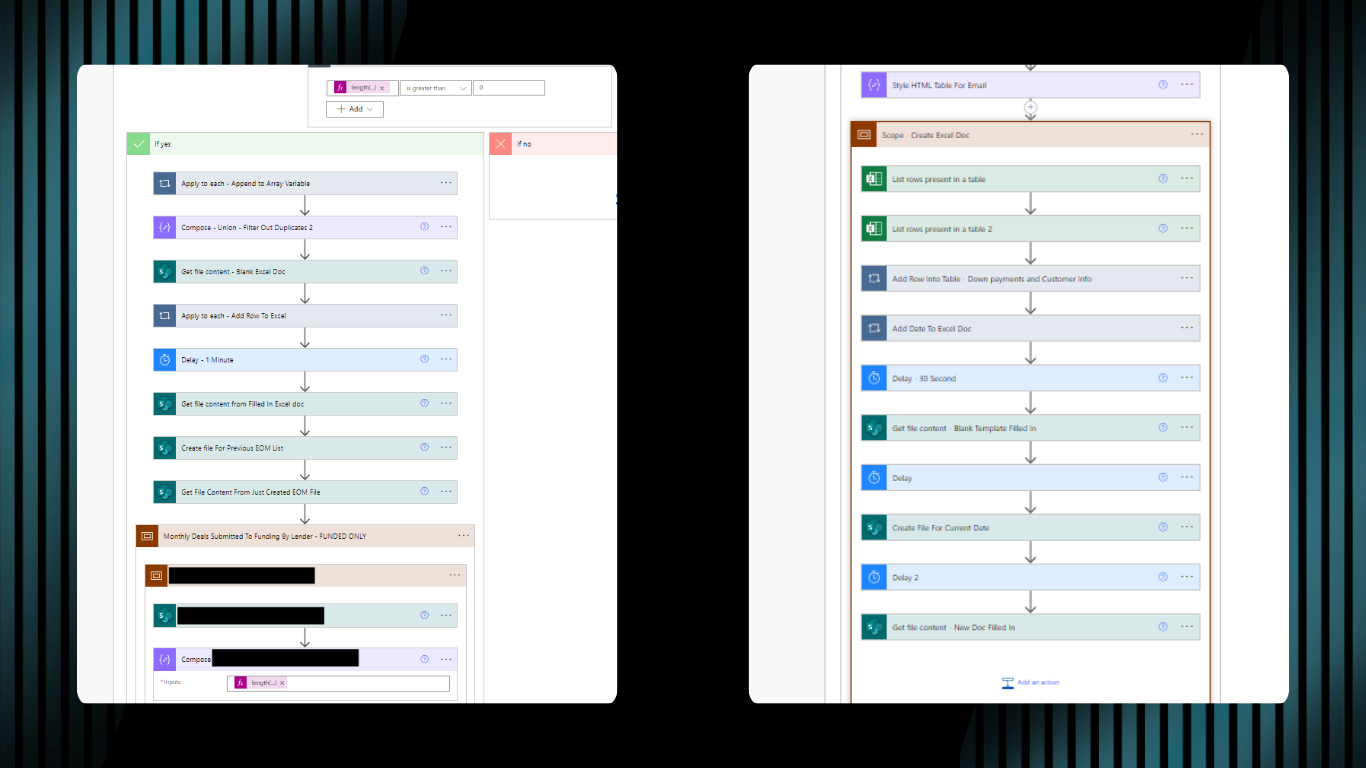
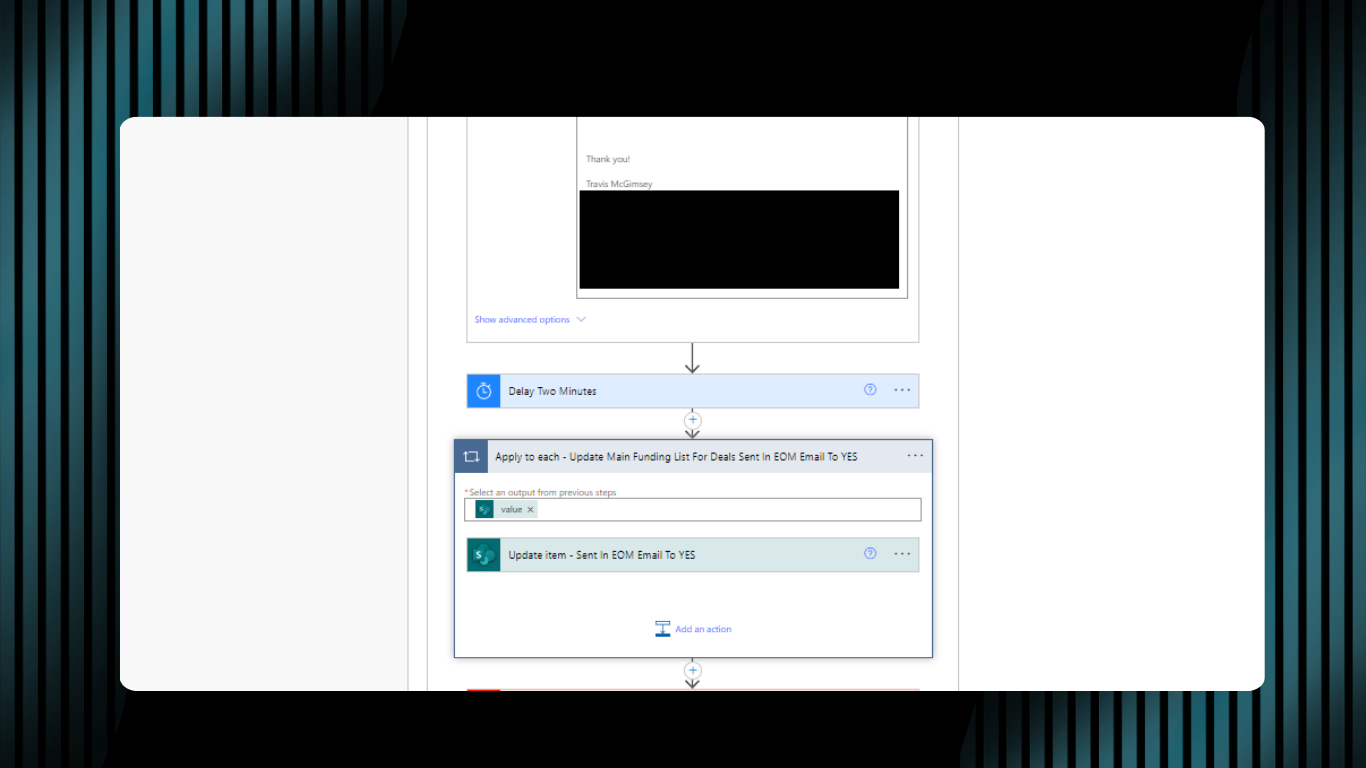
A Power Automate flow that runs automatically on the second of each month and handles the entire reporting process without any manual steps. The system handles a variable number of active lending partners each month without requiring any updates to accommodate changes in the lender mix.
The Schedule
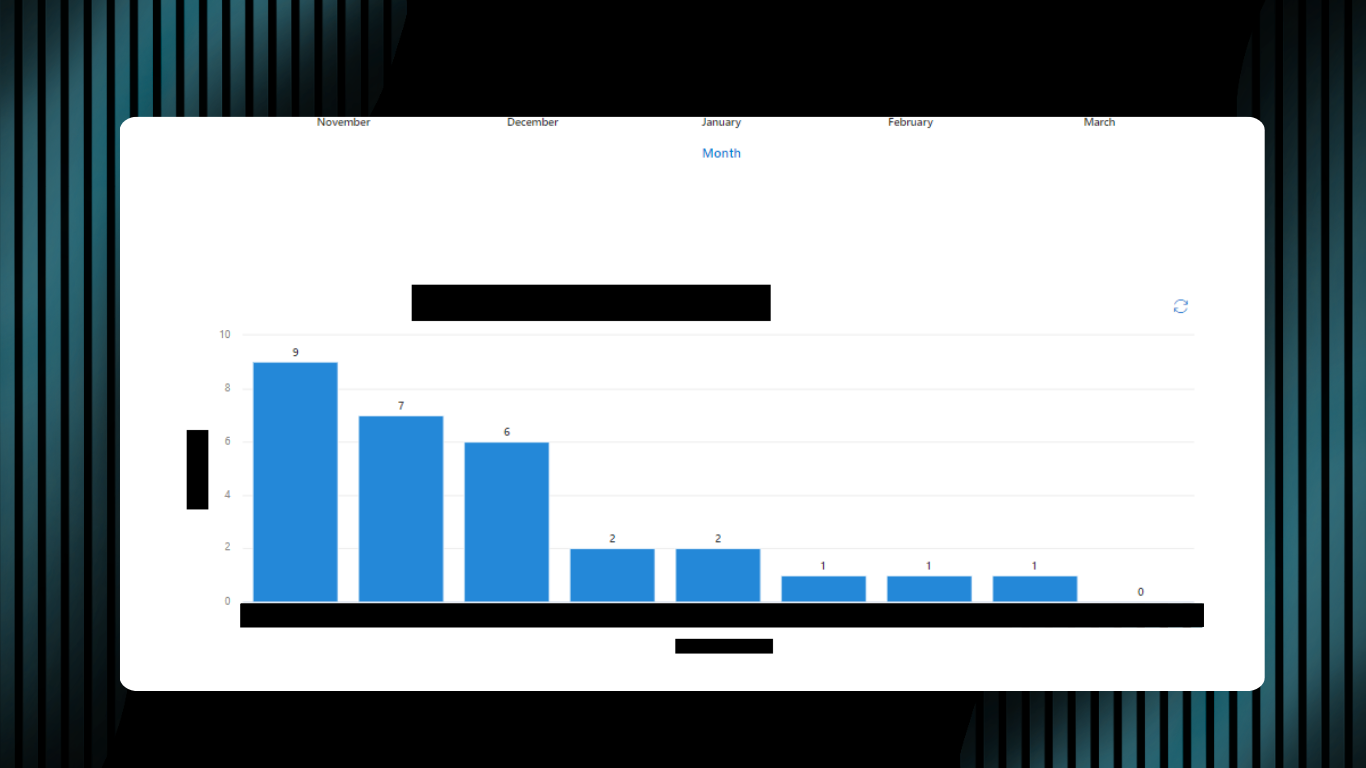
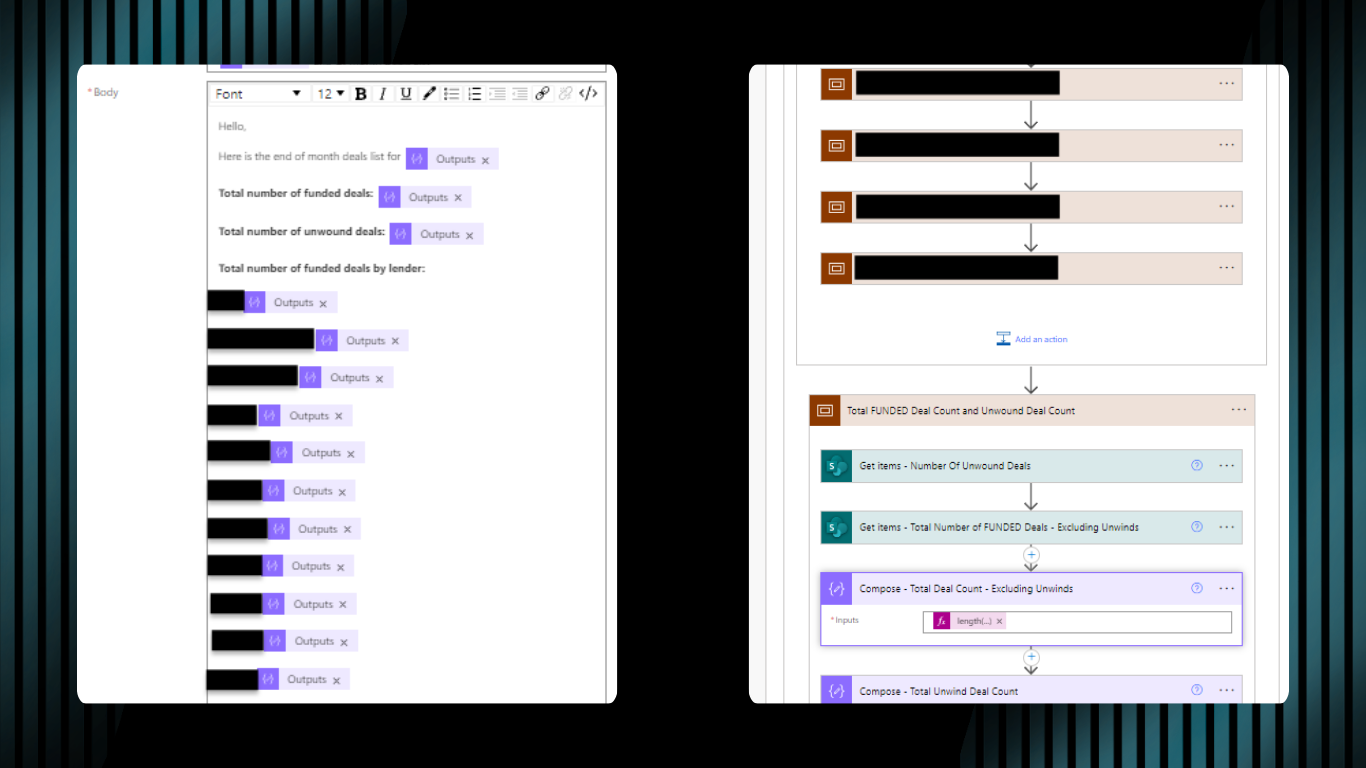
Data Extraction and Calculation
Excel Report Generation
Automated Delivery
The Result
Several hours of recurring monthly work, eliminated.
Management receives a clean, accurate report and a formatted Excel audit file automatically on the second of each month, without anyone pulling data, building a spreadsheet, or chasing down a deadline. Eliminated the recurring manual reporting task entirely. The result is an accurate, consistently formatted report delivered every month with no manual effort.
Tools Used
Power Automate
Microsoft SharePoint
Microsoft Excel
Microsoft Outlook
What’s Next